Remi Features
Everything Remi does, one page per feature: how it works, every option, and what it does not do.
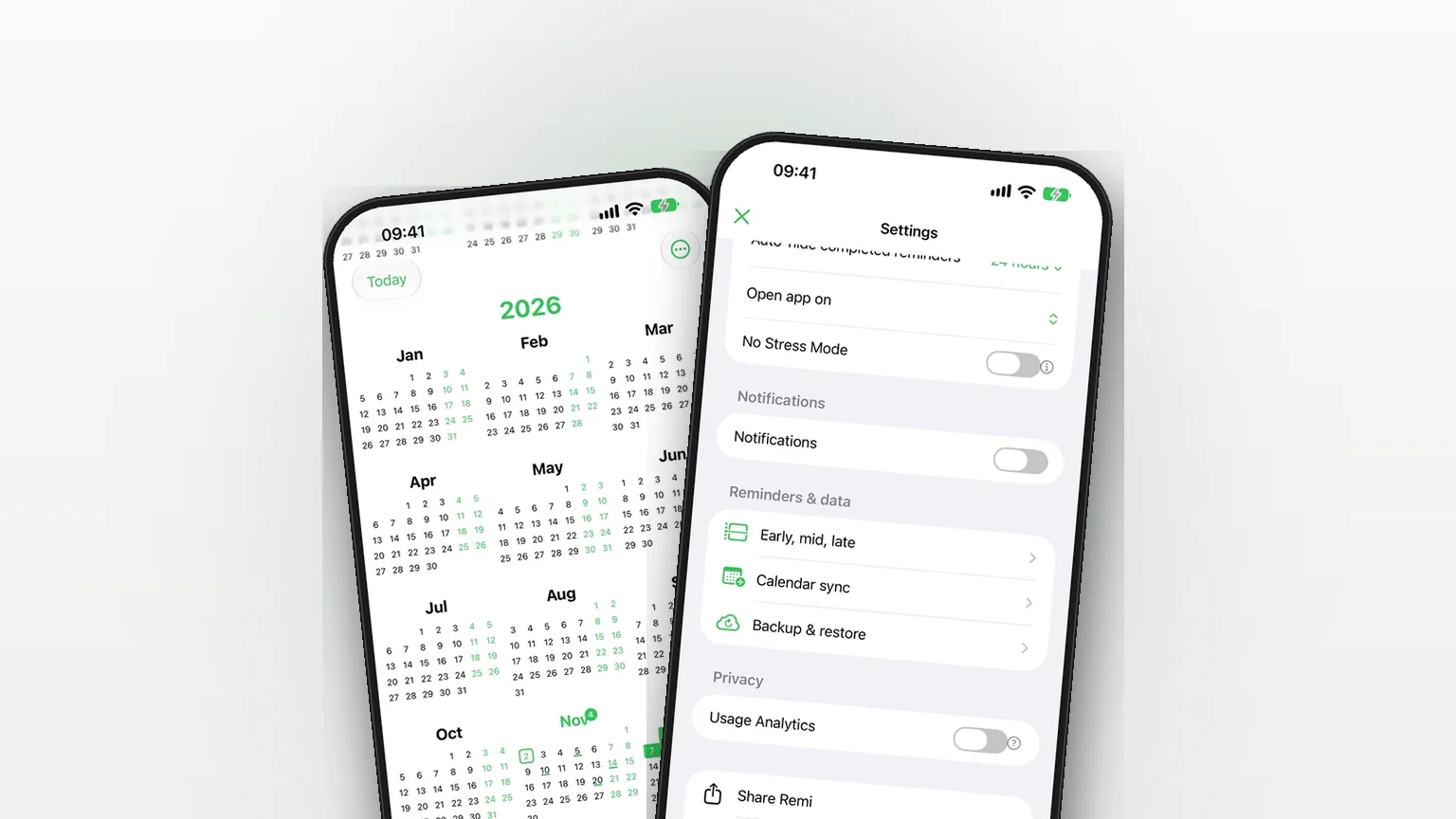
Sync your reminders to the iPhone Calendar app
Copy your reminders into an iPhone calendar as all-day events, one way, so your calendar shows them without ever changing Remi.
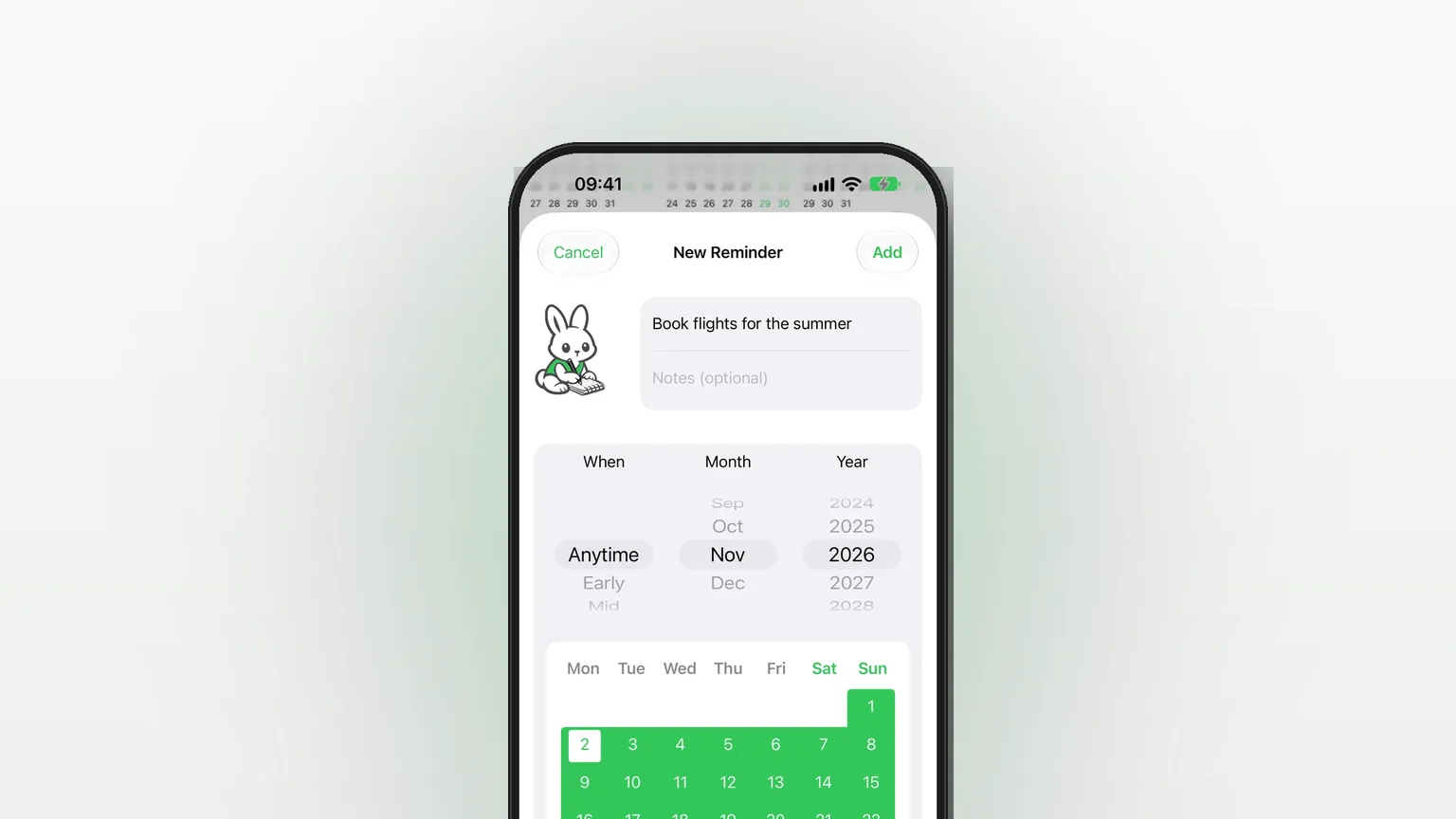
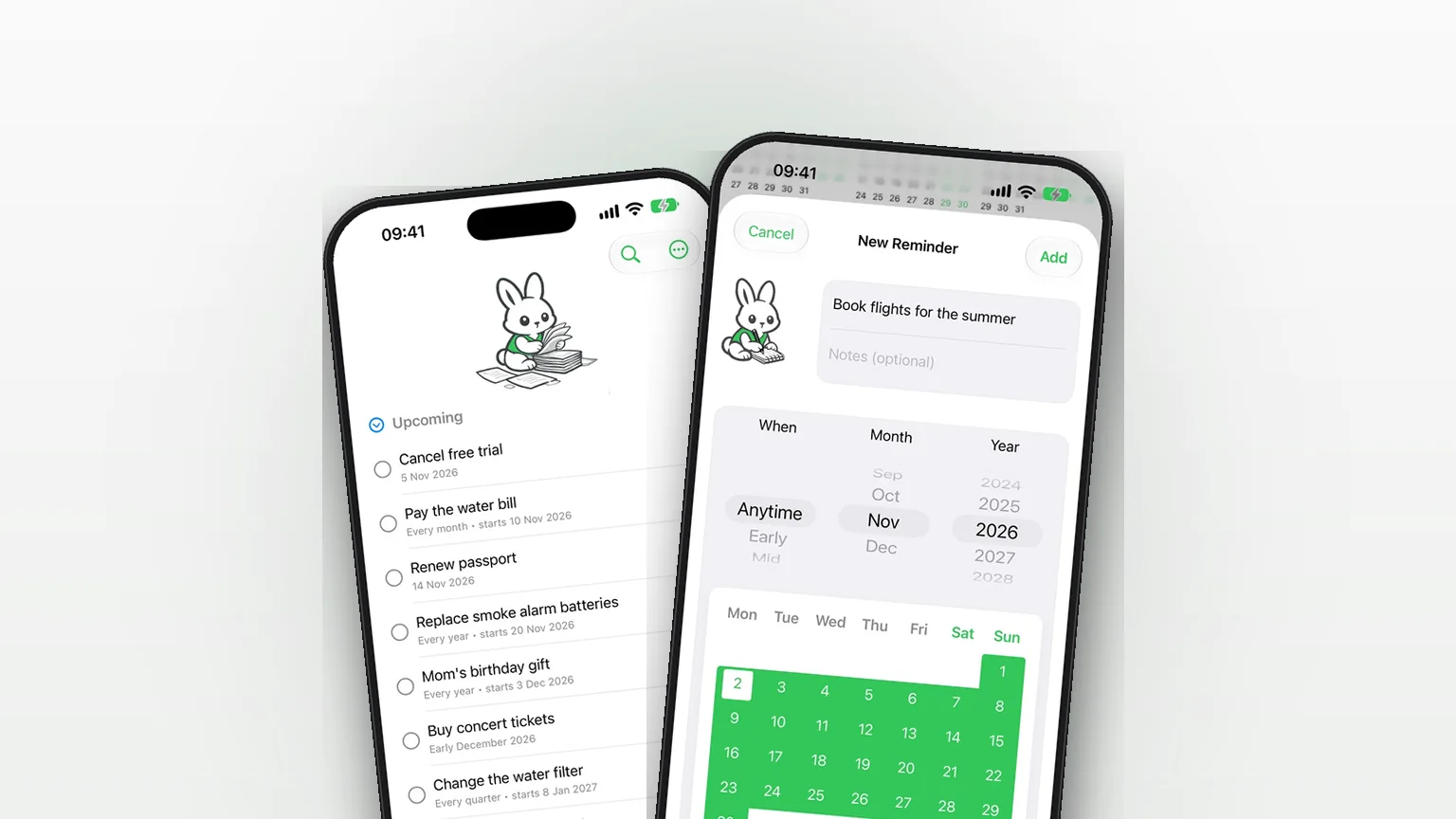
Flexible scheduling: exact dates, approximate timeframes or someday
Save a reminder for an exact day, a rough part of a month, or no date at all, and move it forward as plans firm up.
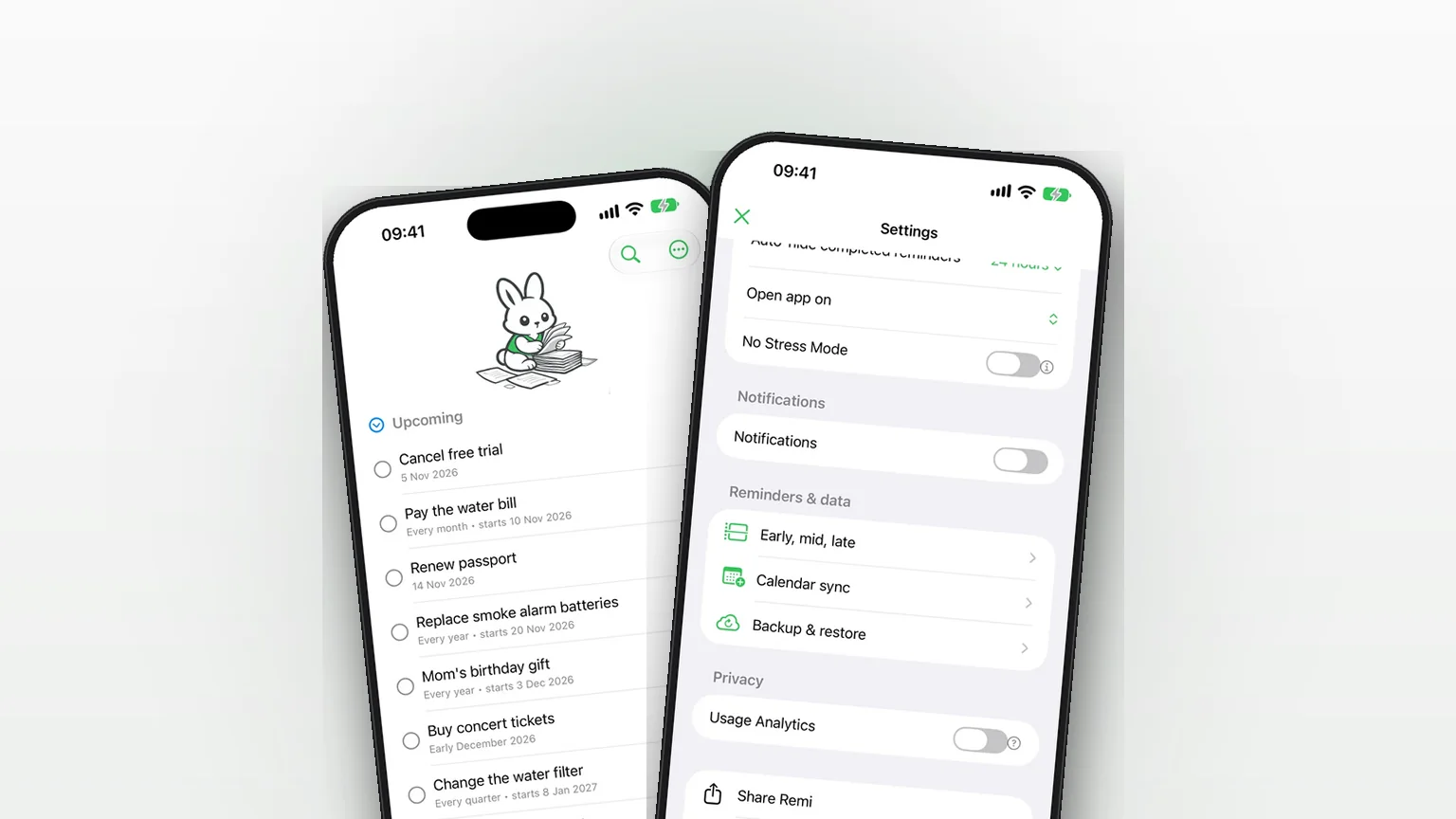
iCloud Backup and Restore in Remi
Back up your reminders and settings to your own iCloud and restore them from inside the app.
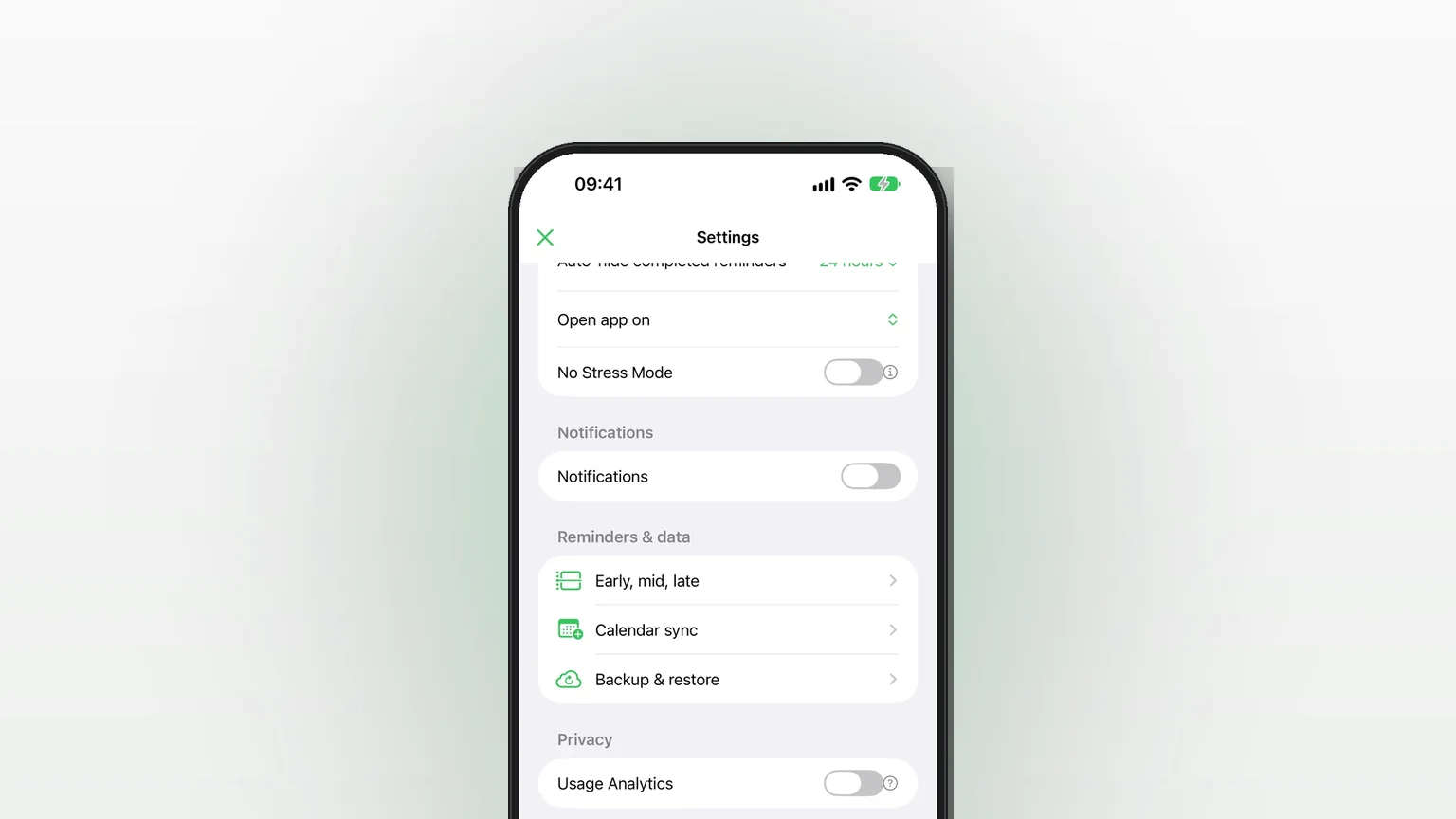
Privacy in Remi: No Account, Reminders Stored on Your iPhone
No account, reminders stored on the iPhone, and an off switch for anonymous analytics.
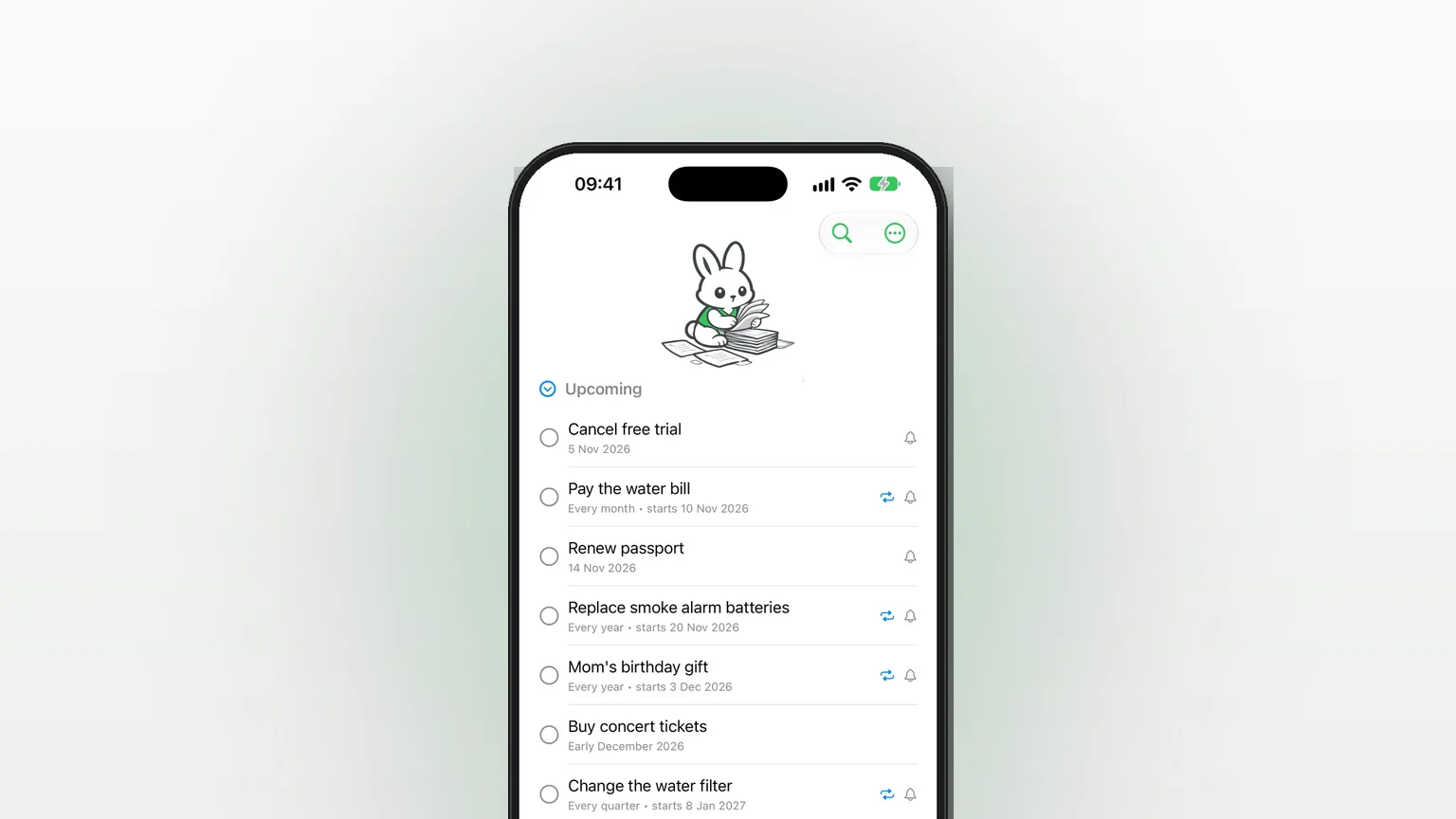
Recurring reminders: monthly, quarterly, yearly or every N
Repeat a reminder every month, every 2 months, every year or every N months, quarters or years, with an optional stop after a set count.
Voice input: speak a reminder, Remi fills in the rest
Hold the + button, say a reminder, and Remi fills in the title, date and repeat for you to confirm.
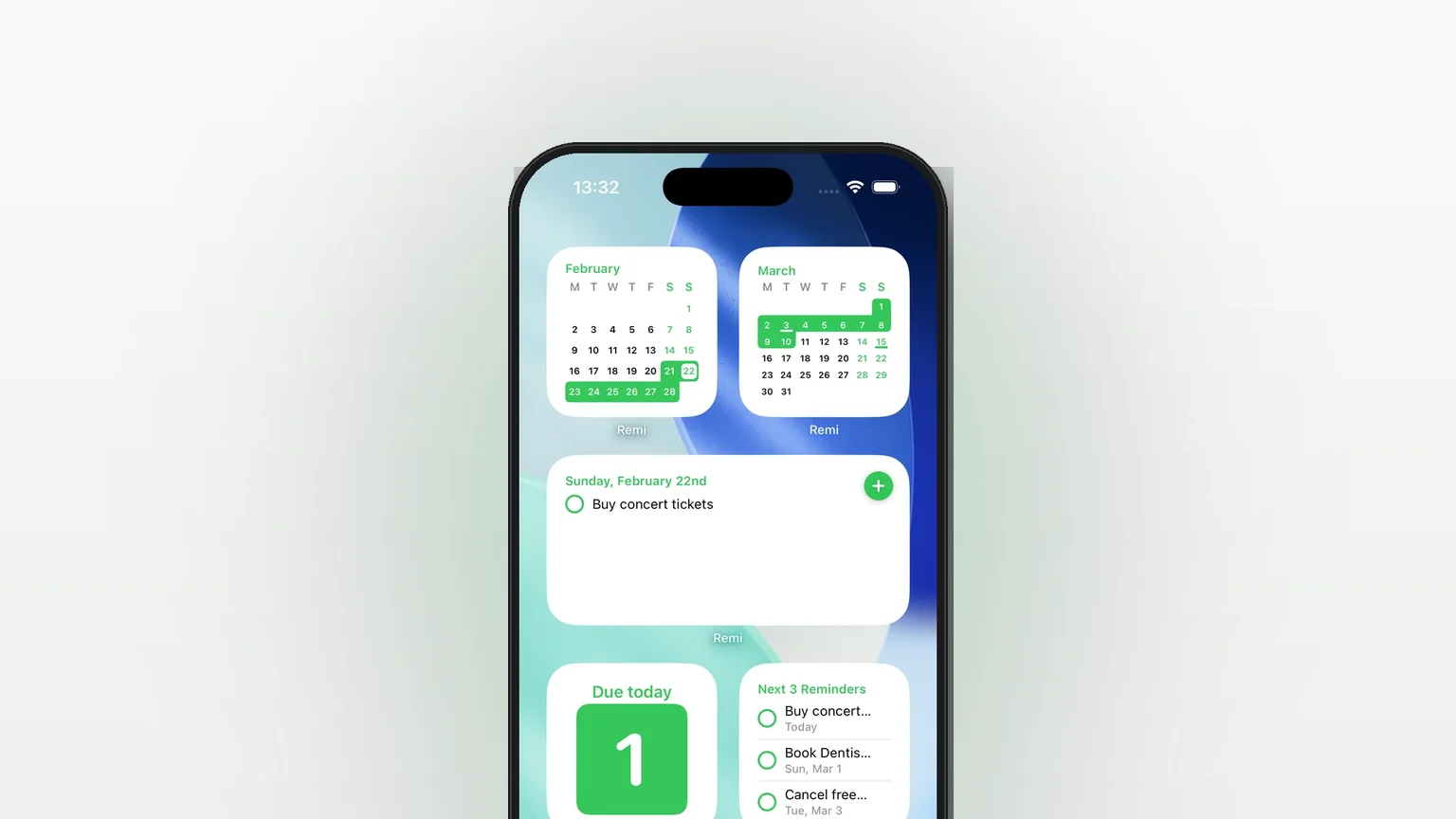
Reminder widgets for your iPhone Home Screen
Eight Home Screen widgets show today's list, calendars, upcoming reminders and overdue counts, two of them free.
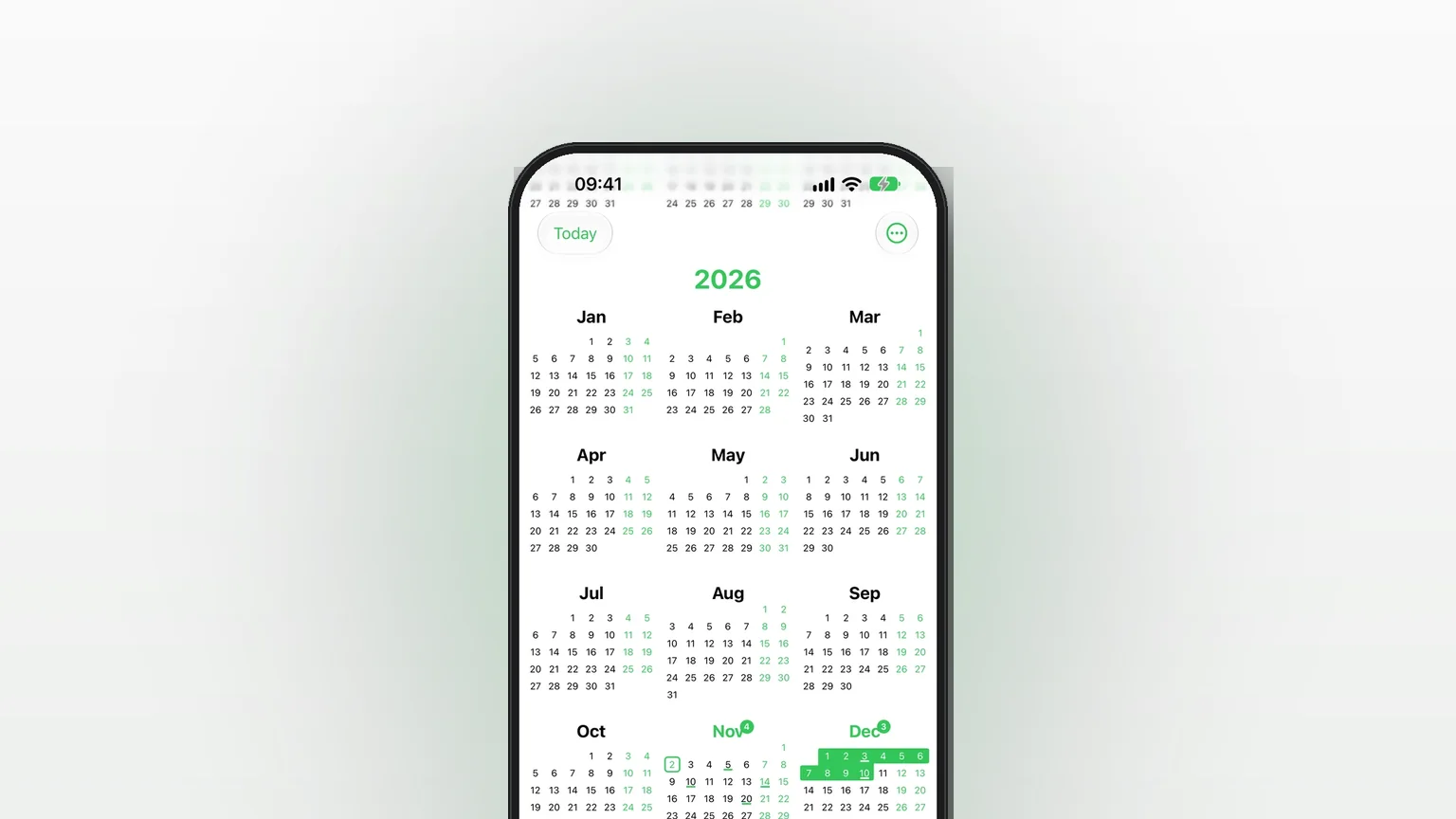
Yearly overview: every reminder across the whole year
A scrolling year of small calendars that marks every day and month holding a reminder, with a count per month.